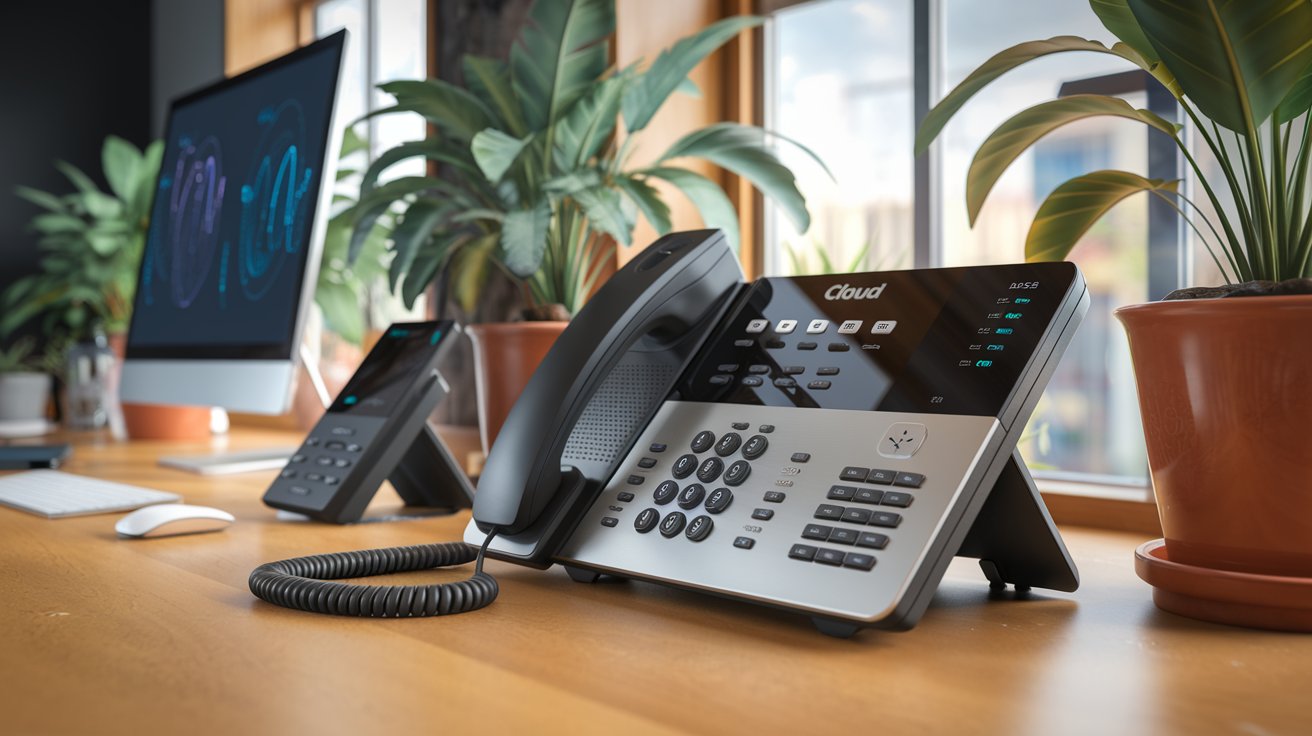
A cloud business phone system revolutionizes how companies handle communications by moving traditional phone services to internet-based platforms. These VoIP solutions offer advanced features like auto-attendants, call forwarding, and mobile integration while reducing costs by up to 50% compared to traditional phone lines. In 2025, over 75% of US businesses are expected to adopt cloud-based phone systems for their scalability, remote work capabilities, and enterprise-grade features.
What is a Cloud Business Phone System
A cloud business phone system is a Voice over Internet Protocol (VoIP) solution that operates through internet connections rather than traditional copper telephone lines. These systems host all phone services and data in secure cloud servers, allowing businesses to make and receive calls through desk phones, computers, or mobile devices from any location with internet access.
Unlike traditional Private Branch Exchange (PBX) systems that require expensive on-premise hardware, cloud phone systems eliminate the need for physical equipment maintenance and offer instant scalability. The technology converts voice signals into digital data packets transmitted over the internet, ensuring crystal-clear call quality and advanced functionality that traditional phone systems cannot match.
Key Features of Modern Cloud Phone Systems
Cloud business phone systems in 2025 come equipped with sophisticated features designed to enhance productivity and customer experience. Advanced auto-attendants can intelligently route calls based on time of day, caller ID, or specific keywords, while call analytics provide detailed insights into communication patterns and team performance.
Integration capabilities allow seamless connection with popular business tools like Salesforce, Microsoft Teams, and Google Workspace. VoIP phone systems also include features such as video conferencing, instant messaging, call recording, voicemail-to-email transcription, and mobile apps that transform smartphones into full-featured business extensions.
Communication Features
Essential communication features include call forwarding, call transfer, three-way calling, and hold music customization. Business phone systems also offer advanced call queuing with callback options, ensuring customers never experience extended wait times. Interactive Voice Response (IVR) systems can handle routine inquiries automatically, freeing staff for more complex tasks.
Productivity Enhancements
Productivity features encompass unified communications, allowing users to manage calls, messages, and video conferences from a single platform. Cloud phone solutions include presence indicators showing colleague availability, one-click conference calling, and screen sharing capabilities that streamline collaboration across remote and in-office teams.
Benefits of Cloud Phone Systems for Businesses
The primary advantage of cloud business phone systems is significant cost reduction, with businesses typically saving 30-50% on monthly communication expenses. These savings come from eliminated hardware costs, reduced maintenance fees, and lower long-distance calling rates. Additionally, cloud systems offer unlimited scalability without requiring additional physical infrastructure.
Remote work capabilities have become crucial, and VoIP systems enable seamless communication regardless of employee location. Teams can maintain professional phone numbers, access voicemail, and utilize all system features from home offices or while traveling, ensuring business continuity during disruptions.
Financial Advantages
Cost savings extend beyond monthly fees to include reduced IT support requirements and eliminated equipment replacement costs. Cloud phone systems typically cost $20-40 per user monthly compared to $50-100 for traditional systems. Businesses also benefit from predictable monthly expenses without unexpected repair or upgrade costs.
Operational Benefits
Operational advantages include automatic software updates, 99.9% uptime guarantees, and disaster recovery capabilities. Business VoIP systems automatically failover to backup servers during outages, ensuring uninterrupted communication. Setup time is reduced from weeks to hours, allowing rapid deployment across multiple locations.
Top Cloud Phone System Providers in 2025
Leading cloud business phone system providers in 2025 include RingCentral, 8×8, Nextiva, and Vonage, each offering unique strengths for different business sizes and industries. RingCentral dominates the enterprise market with advanced analytics and extensive integrations, while 8×8 excels in international calling and multi-language support.
Emerging providers like Dialpad and Ooma are gaining traction with AI-powered features and competitive pricing structures. When evaluating providers, businesses should consider factors such as geographic coverage, industry-specific features, integration capabilities, and customer support quality to ensure optimal system performance.
Implementation and Setup Process
Implementing a cloud business phone system typically requires 2-4 weeks from initial consultation to full deployment. The process begins with needs assessment, where providers evaluate current communication requirements, call volumes, and integration needs to recommend appropriate system configurations and feature sets.
Number porting allows businesses to retain existing phone numbers during migration, while simultaneous testing ensures minimal service disruption. VoIP implementation includes network assessment to verify adequate bandwidth, employee training sessions, and gradual rollout phases that allow teams to adapt to new features progressively.
Pre-Implementation Planning
Successful deployment requires comprehensive planning including bandwidth analysis, security protocol establishment, and staff training schedules. Cloud phone system providers typically conduct network assessments to ensure adequate internet capacity and recommend Quality of Service (QoS) configurations for optimal call quality.
Migration Best Practices
Migration best practices include maintaining backup communication methods during transition periods and conducting thorough testing before going live. Business phone system migrations should occur during low-activity periods, with technical support readily available to address any connectivity issues or configuration problems.
Security and Compliance Considerations
Cloud business phone systems employ enterprise-grade security measures including end-to-end encryption, secure SIP protocols, and multi-factor authentication to protect voice communications. Leading providers maintain SOC 2 Type II compliance and offer HIPAA-compliant solutions for healthcare organizations with strict privacy requirements.
Security features include fraud detection algorithms that identify unusual calling patterns, geographic restrictions that prevent unauthorized international calls, and detailed audit trails for compliance reporting. VoIP security also encompasses network segmentation, intrusion detection systems, and regular security updates to protect against emerging threats.
Pricing Models and Cost Considerations
Cloud phone system pricing typically follows per-user monthly subscription models ranging from $15-50 depending on feature sets and provider. Basic plans include essential calling features, while advanced tiers offer analytics, CRM integrations, and unlimited calling to international destinations. Enterprise plans often include dedicated support and custom integrations.
Hidden costs may include setup fees, number porting charges, and premium feature add-ons. However, total cost of ownership remains significantly lower than traditional systems when factoring in eliminated hardware expenses, reduced IT support requirements, and energy savings from decreased equipment needs.
Integration with Business Applications
Modern cloud business phone systems integrate seamlessly with popular Customer Relationship Management (CRM) platforms, enabling automatic call logging, contact synchronization, and click-to-dial functionality directly from customer records. These integrations enhance productivity by providing instant access to customer information during calls and automatically updating interaction histories.
Popular integrations include Microsoft Office 365, Google Workspace, Salesforce, HubSpot, and Zendesk. Unified communications platforms combine phone, video, messaging, and file sharing into single applications, streamlining workflows and reducing the need for multiple communication tools across organizations.
Future Trends in Cloud Communications
Artificial Intelligence integration represents the most significant trend in cloud business phone systems for 2025 and beyond. AI-powered features include intelligent call routing based on customer sentiment analysis, automatic transcription with keyword detection, and predictive analytics that optimize staffing levels based on historical call patterns.
5G network deployment will enhance mobile VoIP quality and enable new use cases such as augmented reality customer support sessions. Cloud communications will increasingly incorporate Internet of Things (IoT) device integration, allowing phone systems to interact with smart office equipment and provide context-aware communication experiences.
Related video about cloud business phone system
This video complements the article information with a practical visual demonstration.
Your questions answered
How much does a cloud business phone system cost per month?
Cloud business phone systems typically cost $20-40 per user monthly for standard features, with enterprise plans ranging $50-80 per user. This represents 30-50% savings compared to traditional phone systems when including hardware, maintenance, and long-distance costs. Most providers offer volume discounts for larger organizations.
Can I keep my existing phone numbers with a cloud system?
Yes, number porting allows businesses to transfer existing phone numbers to cloud systems. The process typically takes 5-10 business days and involves coordination between old and new providers. Most cloud phone system providers handle the porting process at no additional charge, ensuring minimal service disruption.
What internet speed do I need for a cloud phone system?
Each concurrent call requires approximately 100 kbps of bandwidth for optimal quality. A business with 10 simultaneous calls needs at least 1 Mbps dedicated to voice traffic. Most providers recommend 1.5-2 Mbps per user to account for other internet activities and ensure consistent call quality.
Are cloud phone systems secure for business use?
Yes, reputable cloud phone systems use enterprise-grade security including AES-256 encryption, secure SIP protocols, and fraud detection. Leading providers maintain SOC 2 compliance and offer HIPAA-compliant solutions for regulated industries. Security features include geographic call restrictions and detailed audit trails.
How long does it take to implement a cloud phone system?
Implementation typically takes 2-4 weeks from contract signing to full deployment. Simple installations for small businesses can be completed in 1-2 weeks, while complex enterprise deployments may require 4-8 weeks. The timeline includes needs assessment, number porting, employee training, and system testing phases.
Do cloud phone systems work during internet outages?
Most cloud phone systems offer failover options including call forwarding to mobile phones or backup internet connections. Many providers include automatic redundancy that routes calls to cellular networks during outages. Advanced systems can failover to backup data centers within seconds to maintain service continuity.
| Feature Category | Key Capabilities | Business Impact |
|---|---|---|
| Cost Savings | 30-50% reduction in phone expenses | Improved profit margins and predictable costs |
| Scalability | Instant user additions without hardware | Rapid business growth accommodation |
| Remote Work | Full functionality from any location | Enhanced workforce flexibility and continuity |
| Advanced Features | AI-powered analytics and automation | Increased productivity and customer satisfaction |
| Integration | Seamless CRM and productivity app connections | Streamlined workflows and data consistency |